TidyByte finds the big videos, duplicate photos and screenshots filling your phone. You approve every deletion, and your photos never leave your iPhone.
Scan to get it on your iPhone
Free to downloadPro is optionalUndo for 30 daysiOS 17 or later
How it works
Three steps. You stay in control.
Scan
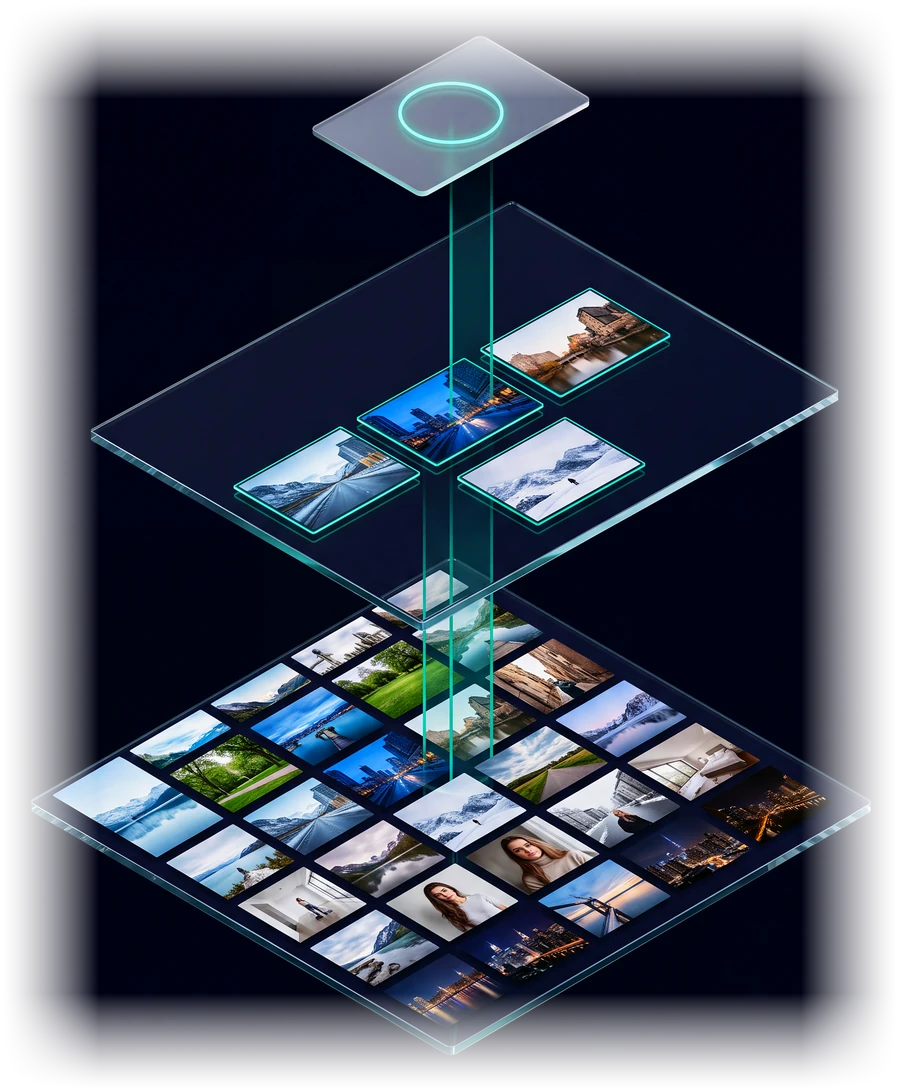
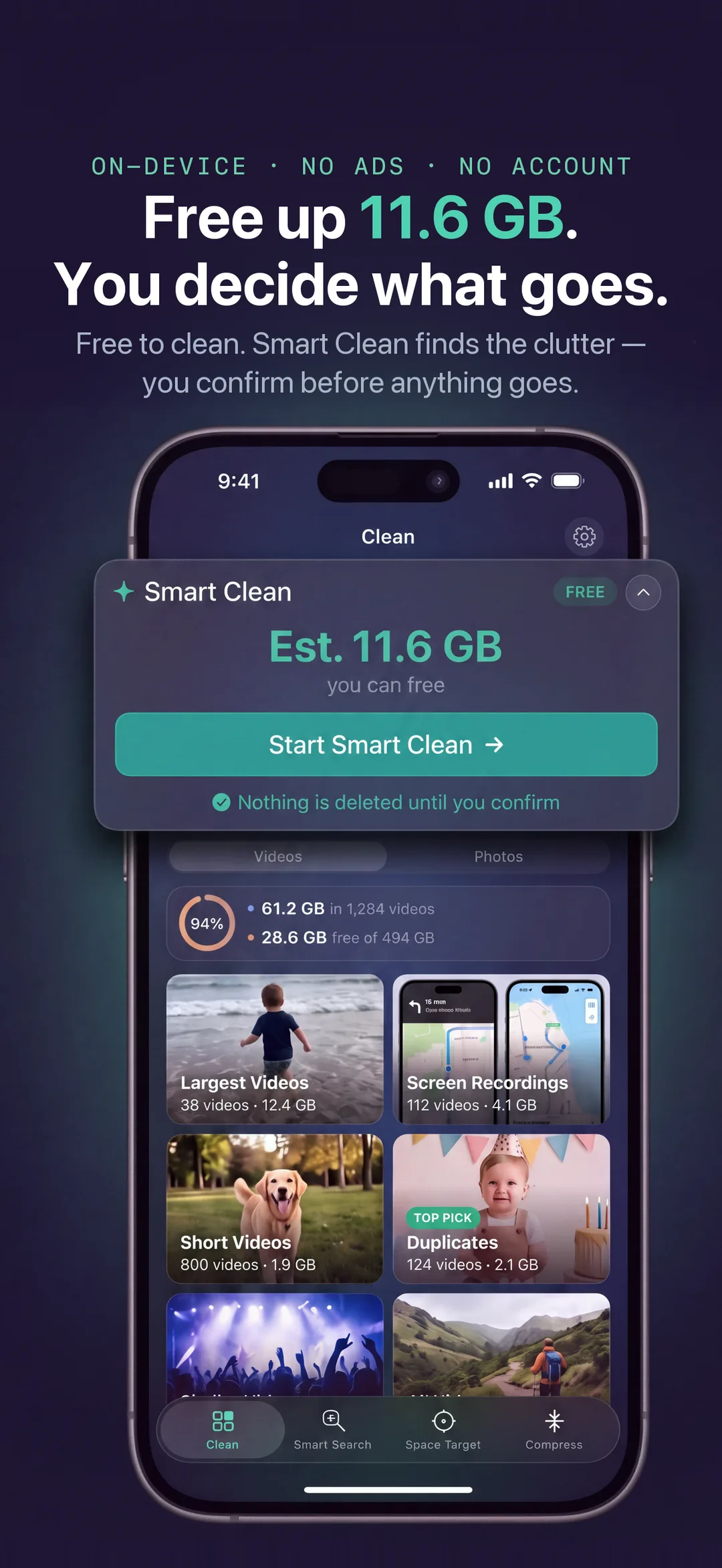
TidyByte reads your photo library on your iPhone and sorts it into what actually takes space: biggest videos, screen recordings, duplicates, screenshots, near-identical photos.
Review
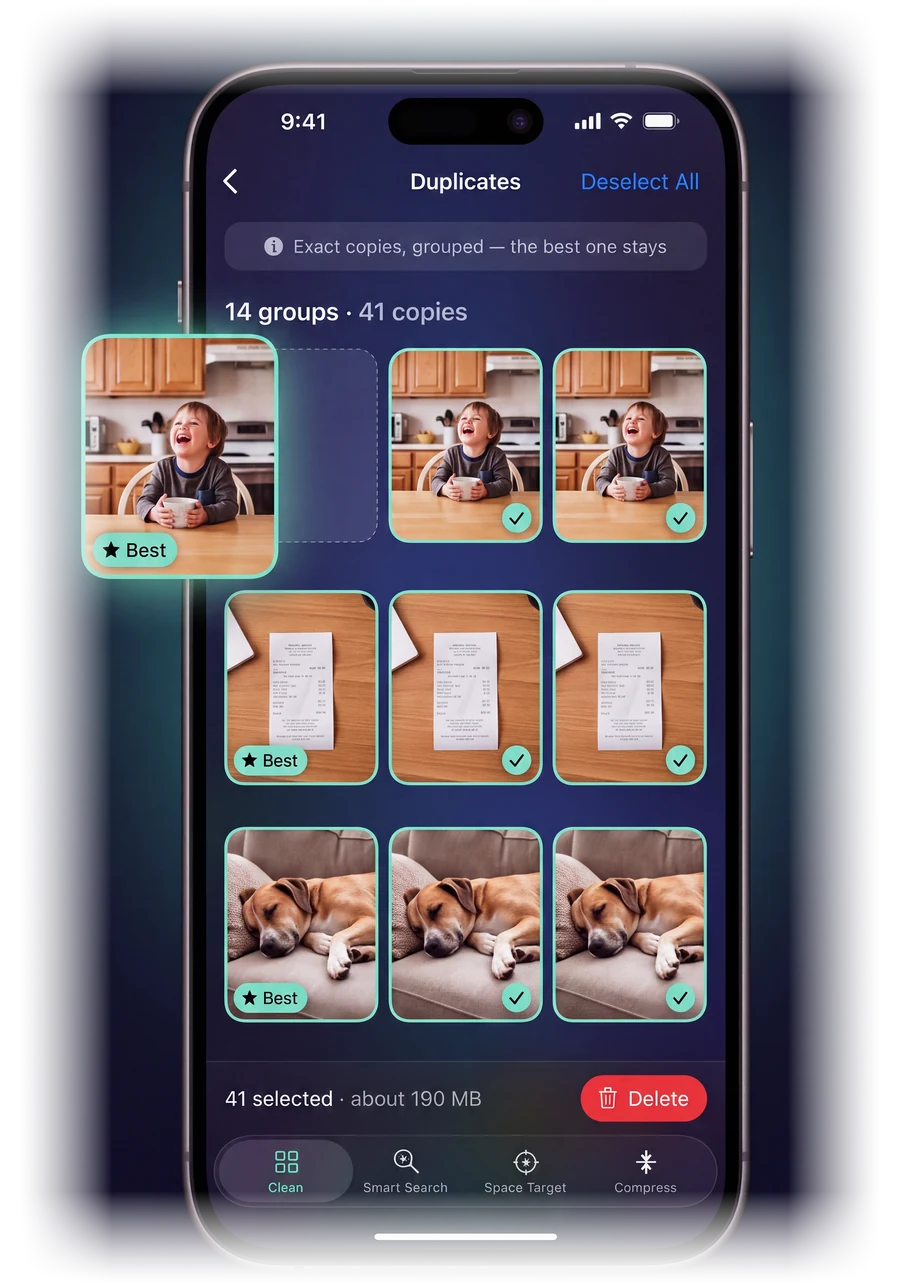
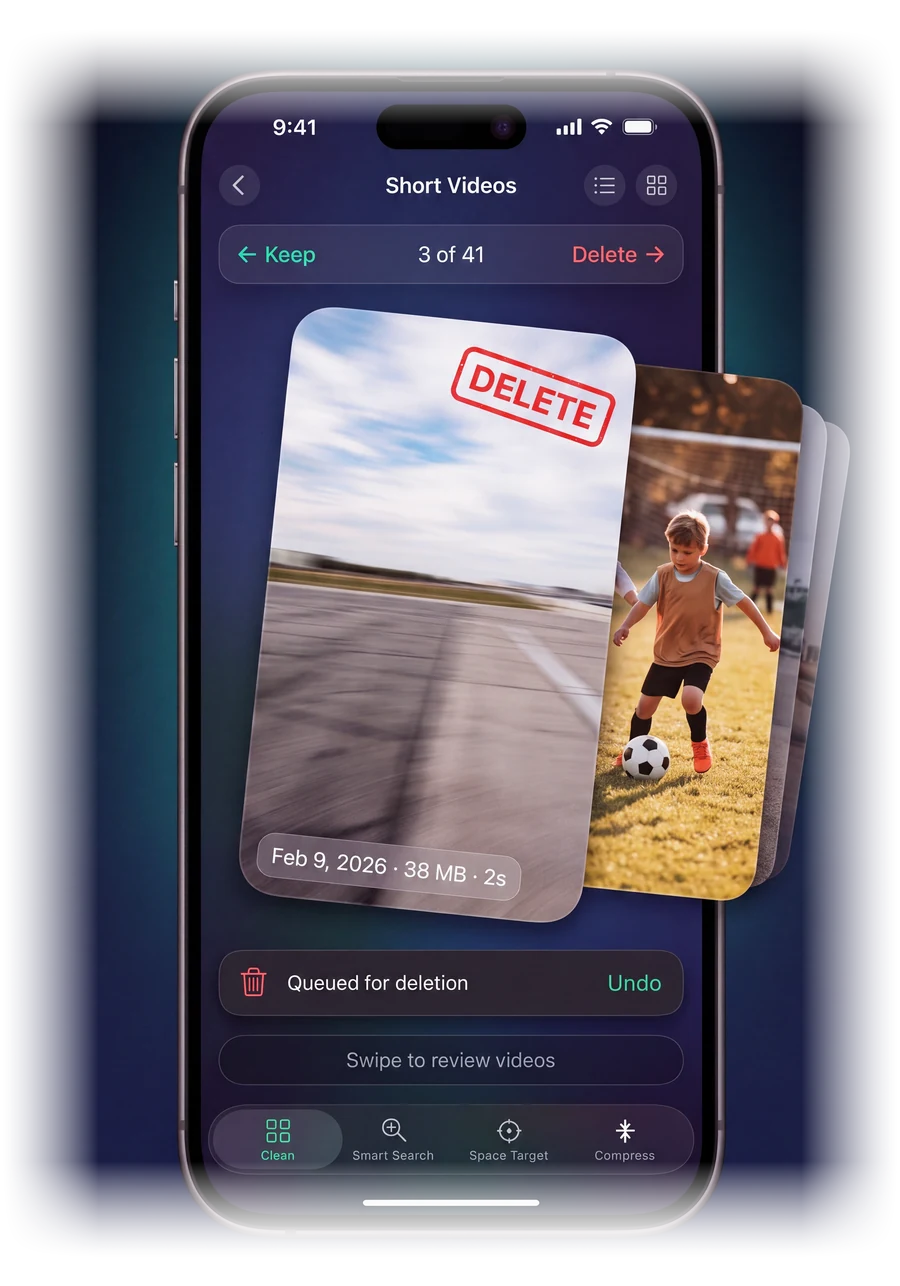
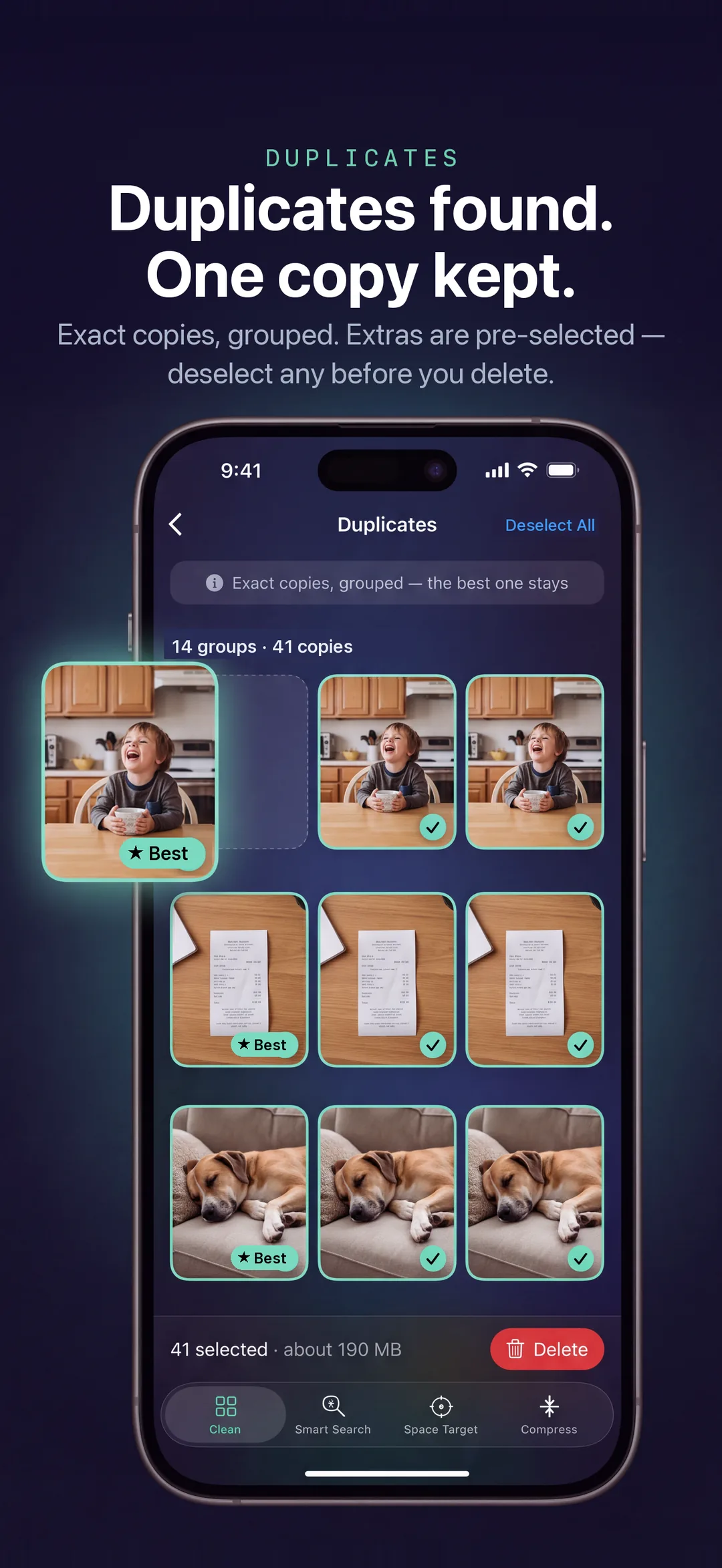
Open a category, look or watch, keep what matters, and mark the rest. Exact duplicates come pre-selected with the best copy kept. Everything else is your decision.
Reclaim
Confirm once. Items move to Recently Deleted for 30 days, and TidyByte tells you the two honest numbers: what left your library, and when the space is really free.
Illustration
What makes it different
Built around three ideas.
Most of what a cleaner does is the same everywhere. These three are why TidyByte exists.
On-device AI
It reads your photos, on your phone.
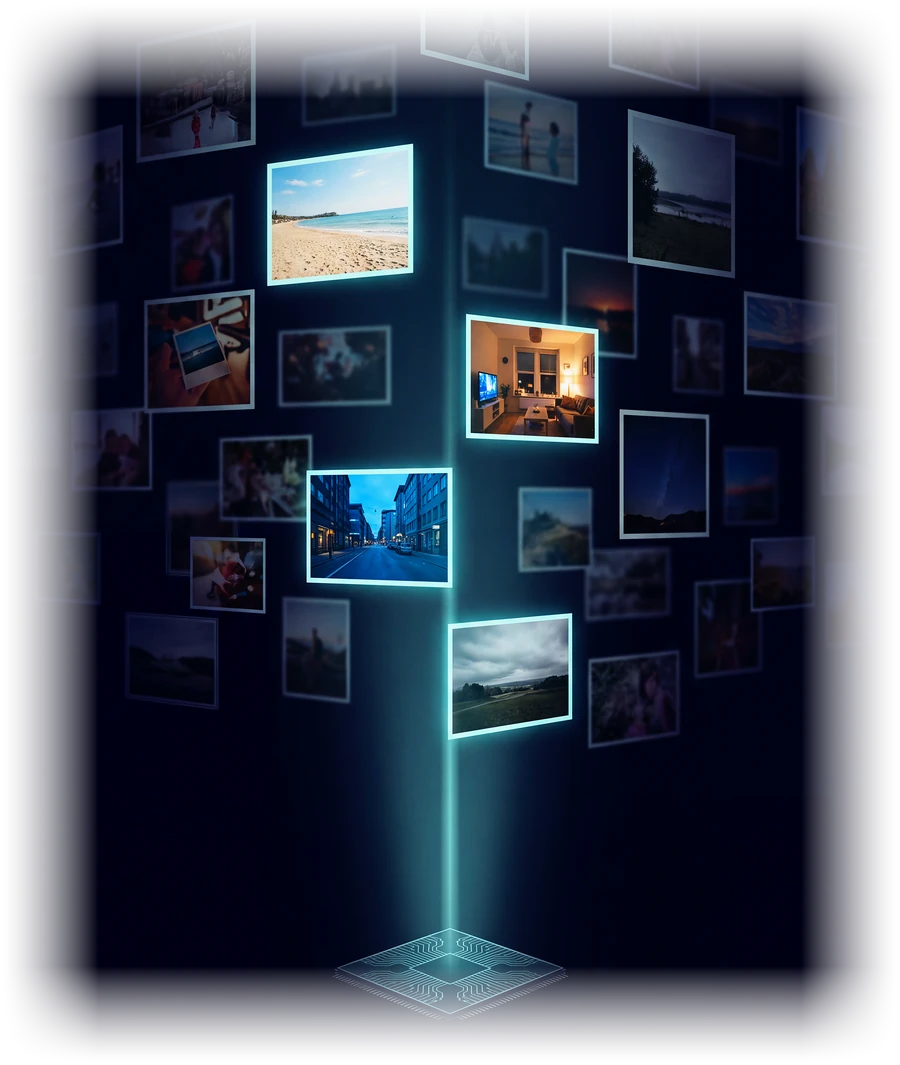
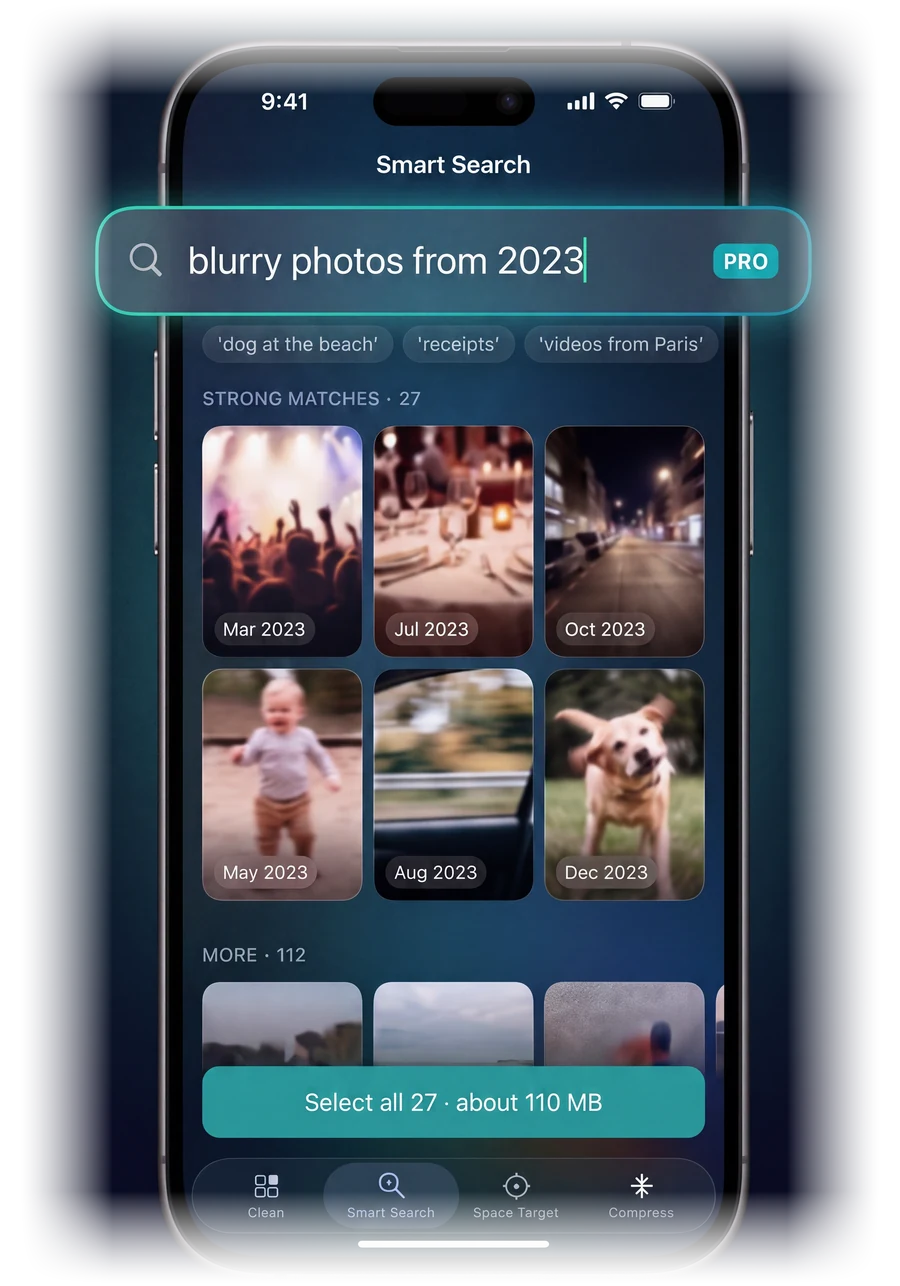
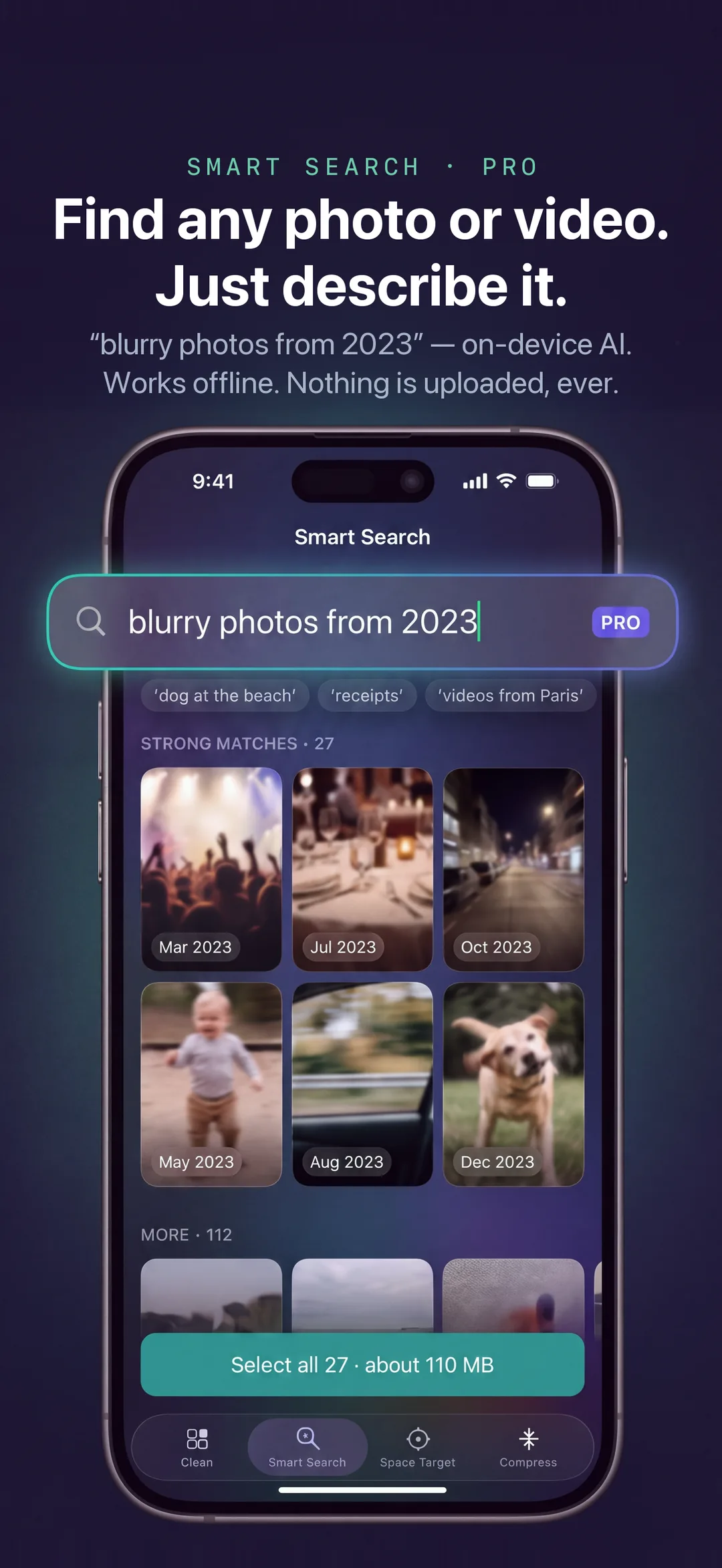
Smart Search understands what is actually in a picture, so you can ask for "blurry photos" or "receipts" instead of scrolling for them. The model runs on your iPhone's Neural Engine, so nothing is uploaded to be analysed.
A number, not a guess
Free exactly what you need.
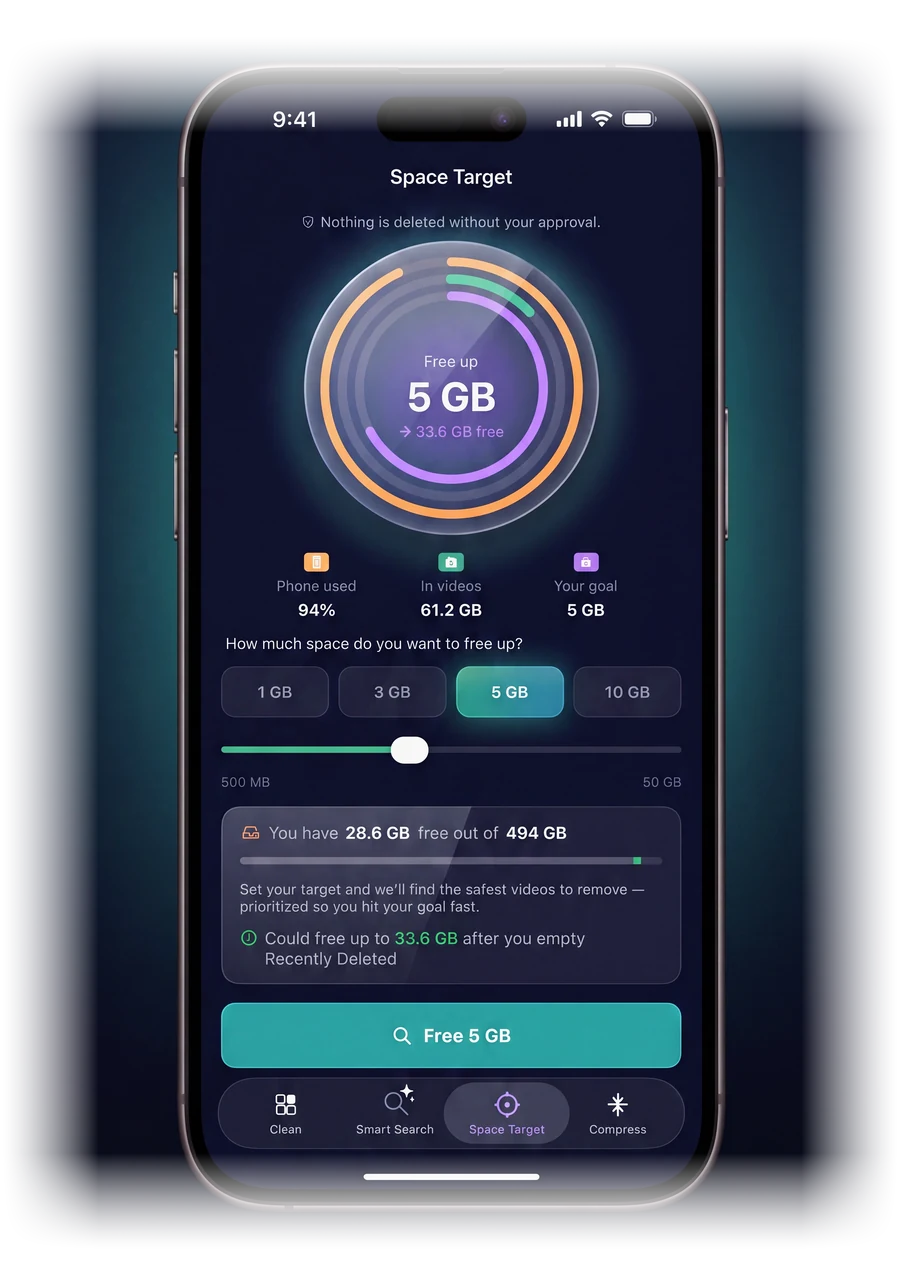
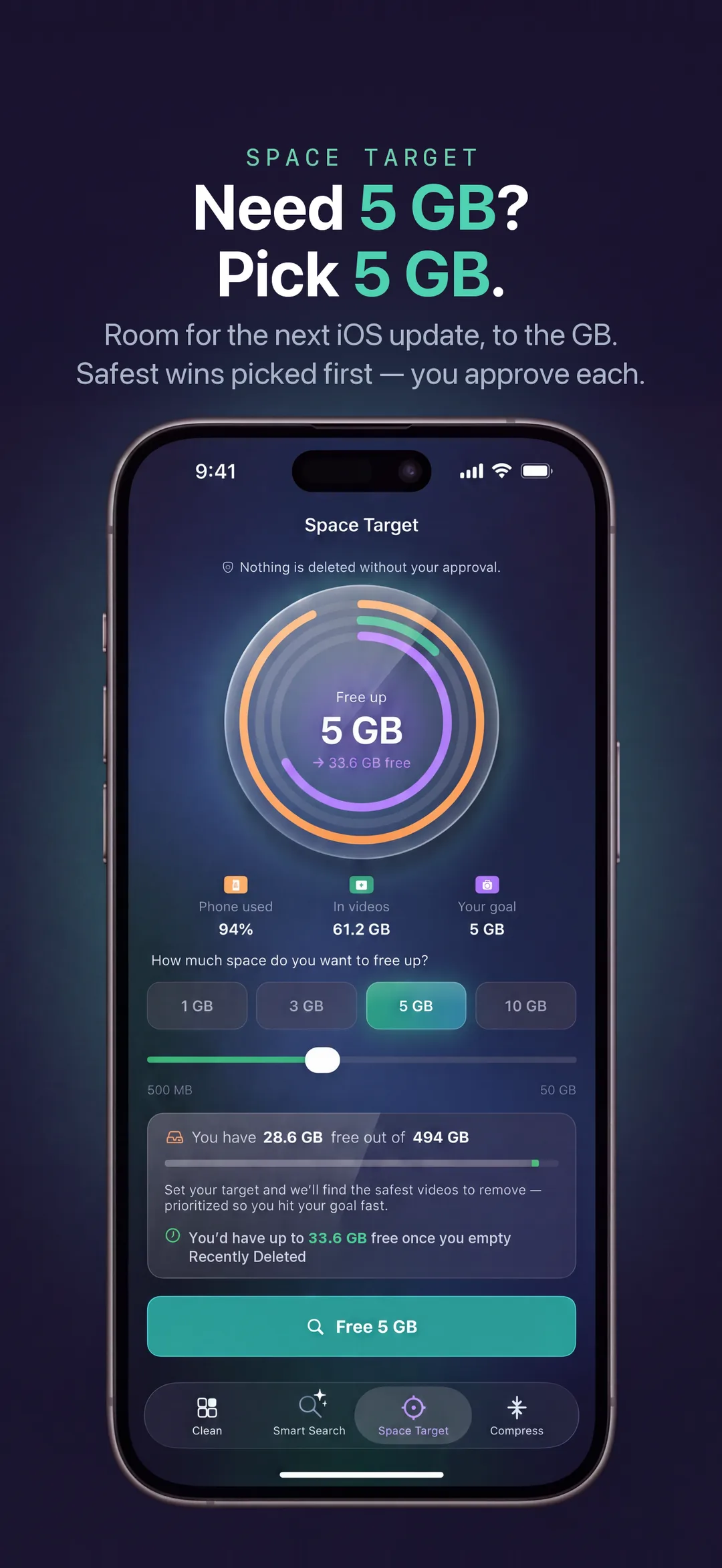
Tell Space Target how much room you want back. It lines up the safest items until it reaches that number, shows you the whole plan first, and says so plainly when your videos cannot get there.
Shrink, do not delete
Keep the memory. Lose the bytes.
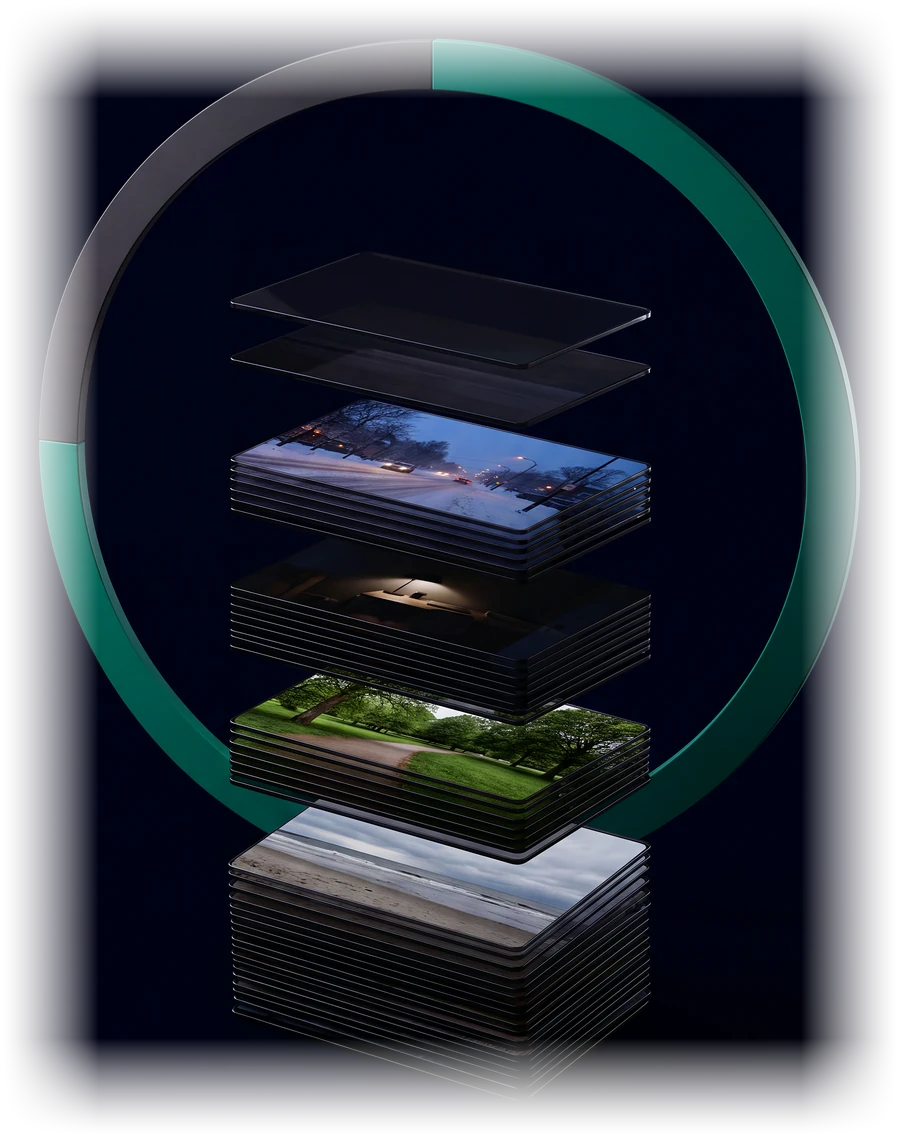
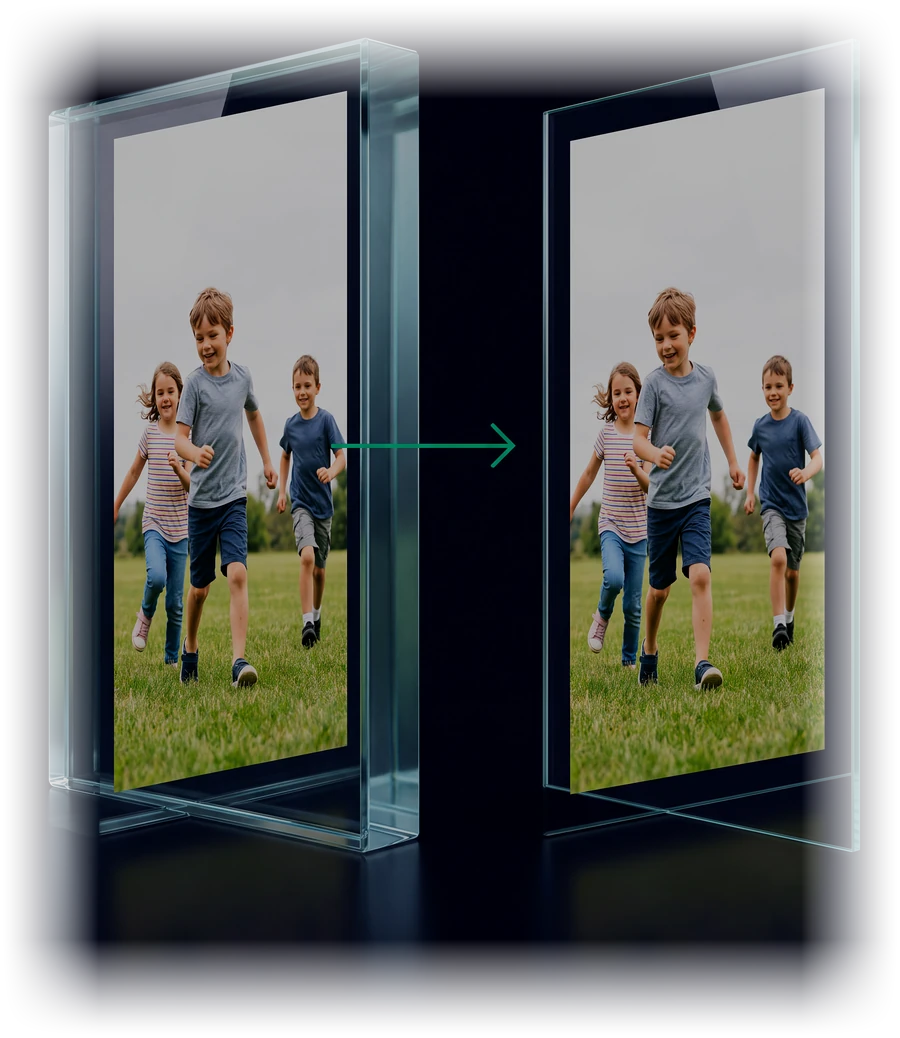
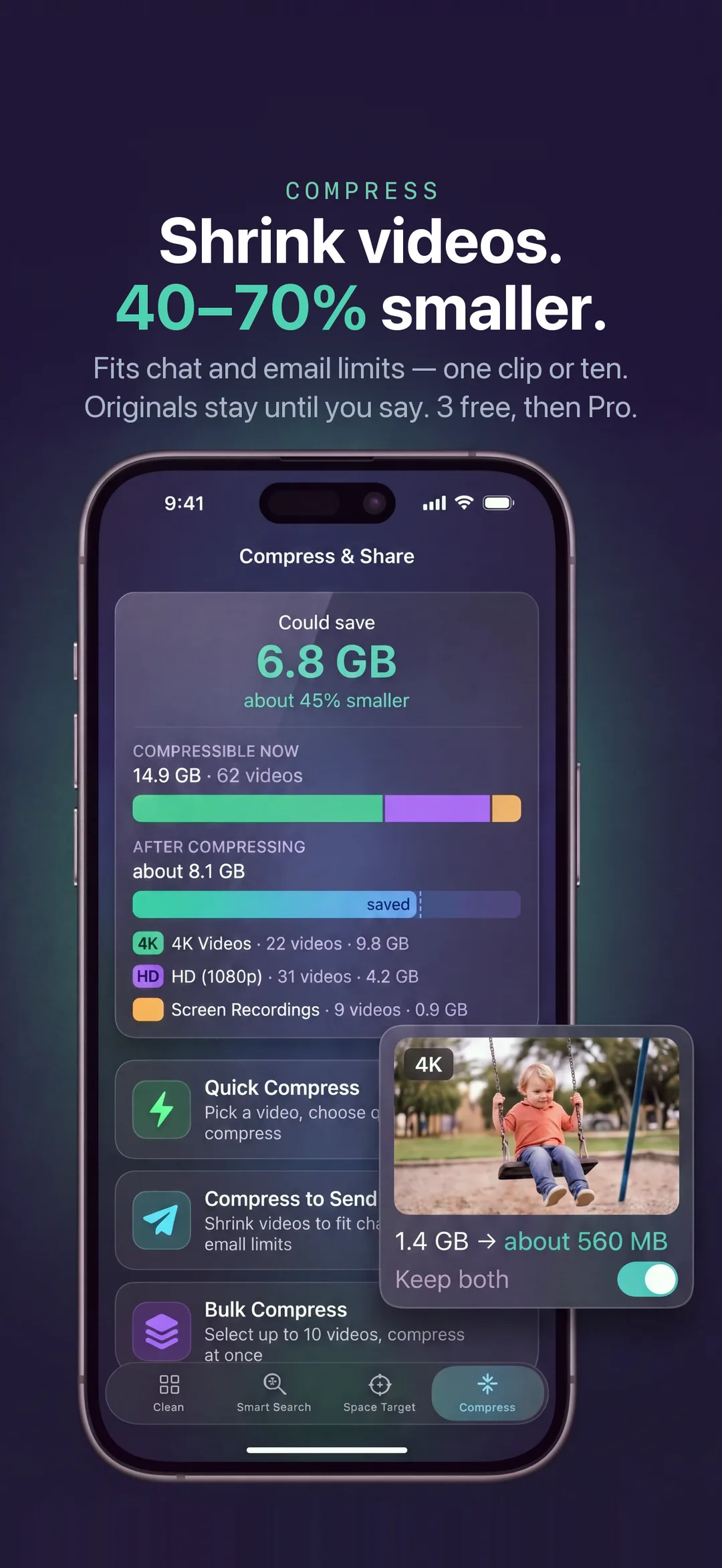
A big video does not have to be a choice between keeping it and having room. Compression keeps the picture and drops the size, typically 40–70% smaller, with the original kept until you decide otherwise.
What's inside
Built for the moment your phone says "Storage Almost Full".
Every tool answers one real situation, and none of them takes a decision away from you.
Smart Clean
One scan. Everything that is really taking space.
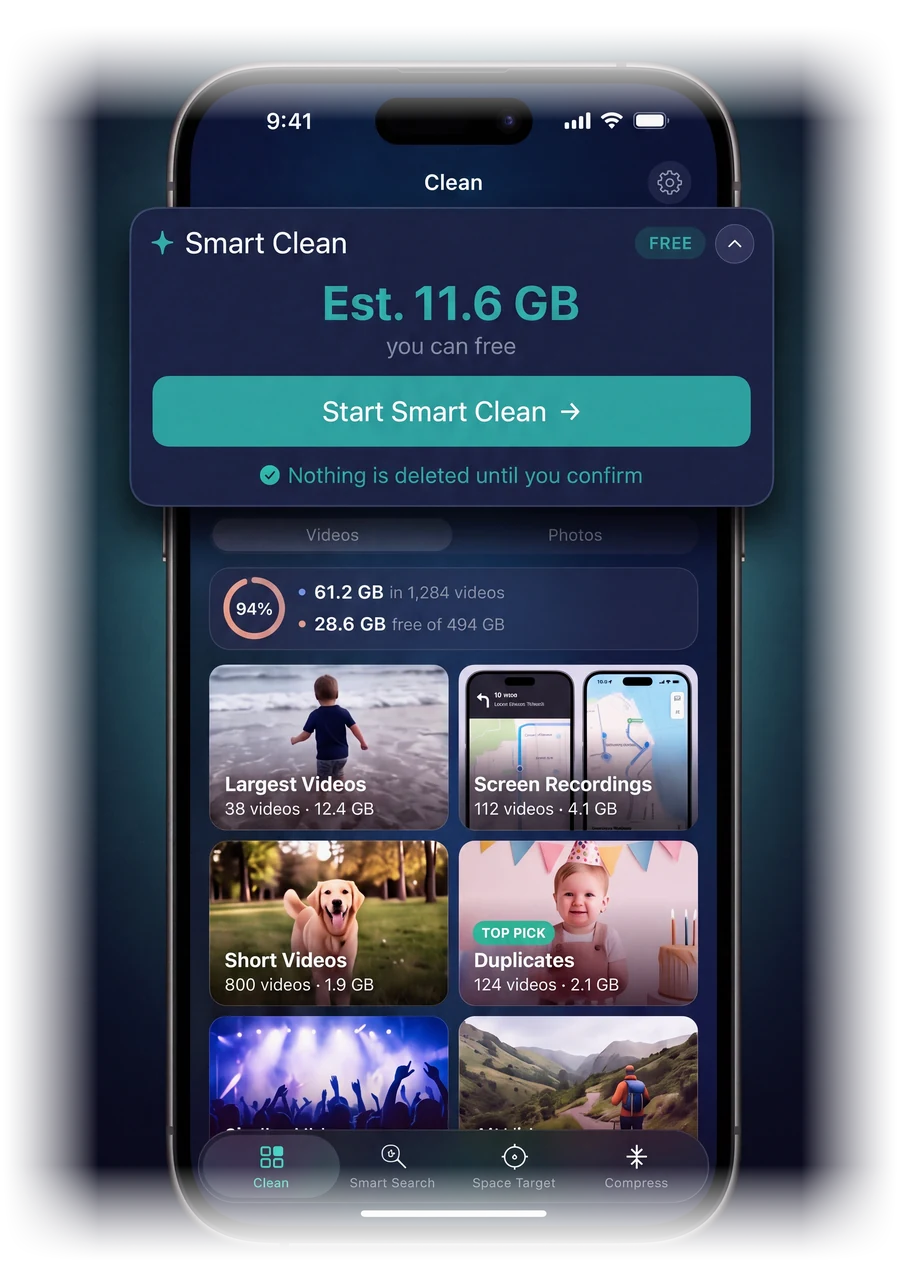
TidyByte sorts your library into the things that actually cost you gigabytes: exact duplicates, near-identical shots, screen recordings, screenshots and your largest videos. Exact copies come pre-selected with the best one kept, and you can deselect any of them.
Never deletes without asking.
Space Target
Tell it how much room you need.
Need 5 GB for the next iOS update or a holiday? Pick the number. Space Target lines up the safest things to remove first: duplicate videos, old screen recordings, then the largest old videos. It stops when your goal is met, or tells you plainly if your videos cannot get there.
Never hides the numbers. You see sizes before you decide.
Compress
Shrink big videos. Keep the memory.
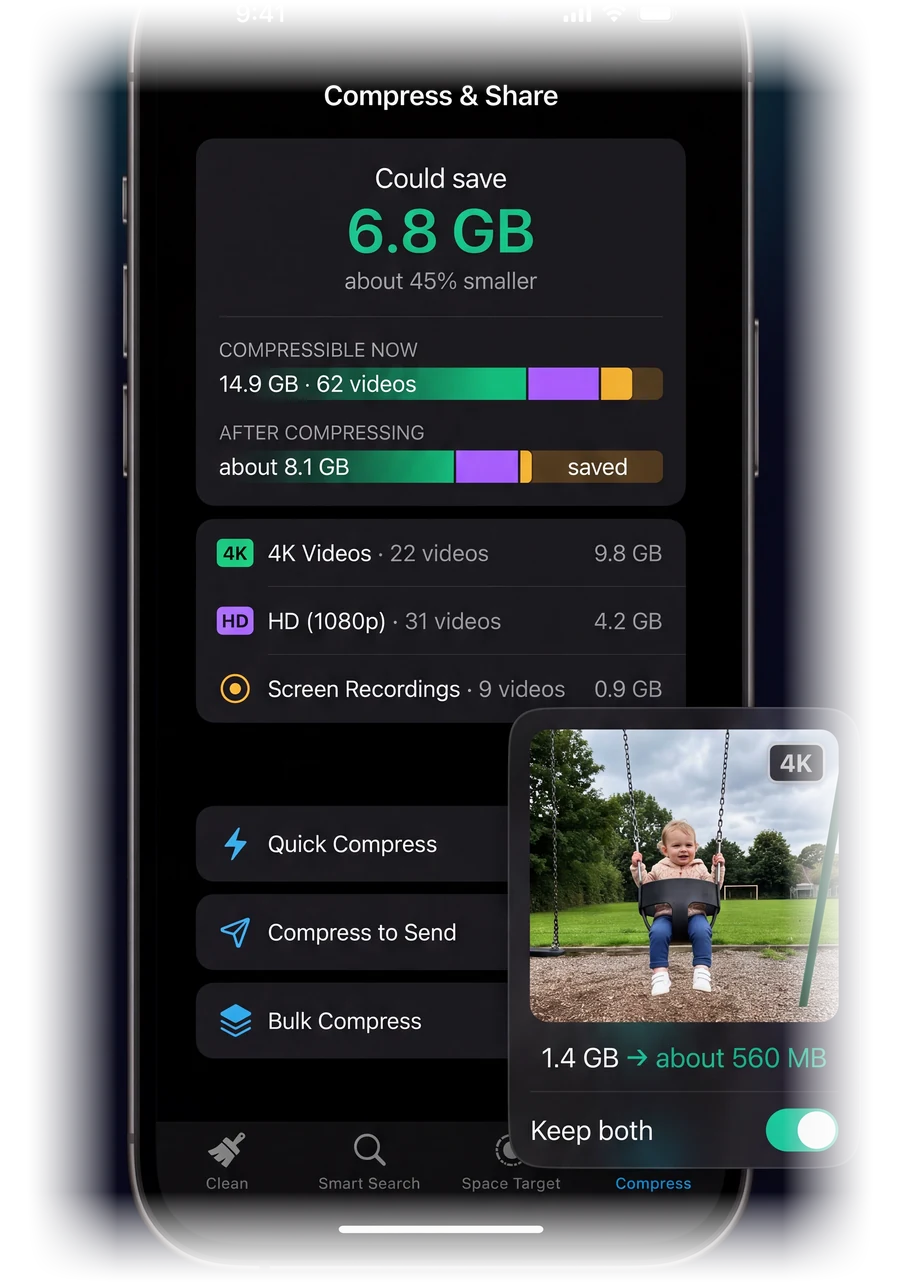
Large 4K and HD videos are typically 40–70% smaller in HEVC, and the difference is hard to see on a phone. Pick a chat-or-email size target and TidyByte fits the clip to it, or compress up to 10 videos at once. Keep both versions or replace the original.
Never returns a bigger file. If a video is already efficient, it tells you.
Smart Search · Pro
Describe it. Find it. Clear it.
Type "blurry photos", "screenshots of receipts" or "videos at the beach". TidyByte reads what is actually in your photos and videos using an AI model on your iPhone's Neural Engine, then lets you delete or compress what it found. Needs iPhone 12 or newer; on an iPhone XS, XR or 11 the same tab offers Smart Filters instead.
Your photos never touch a server.
Review
Keep or remove, one at a time.
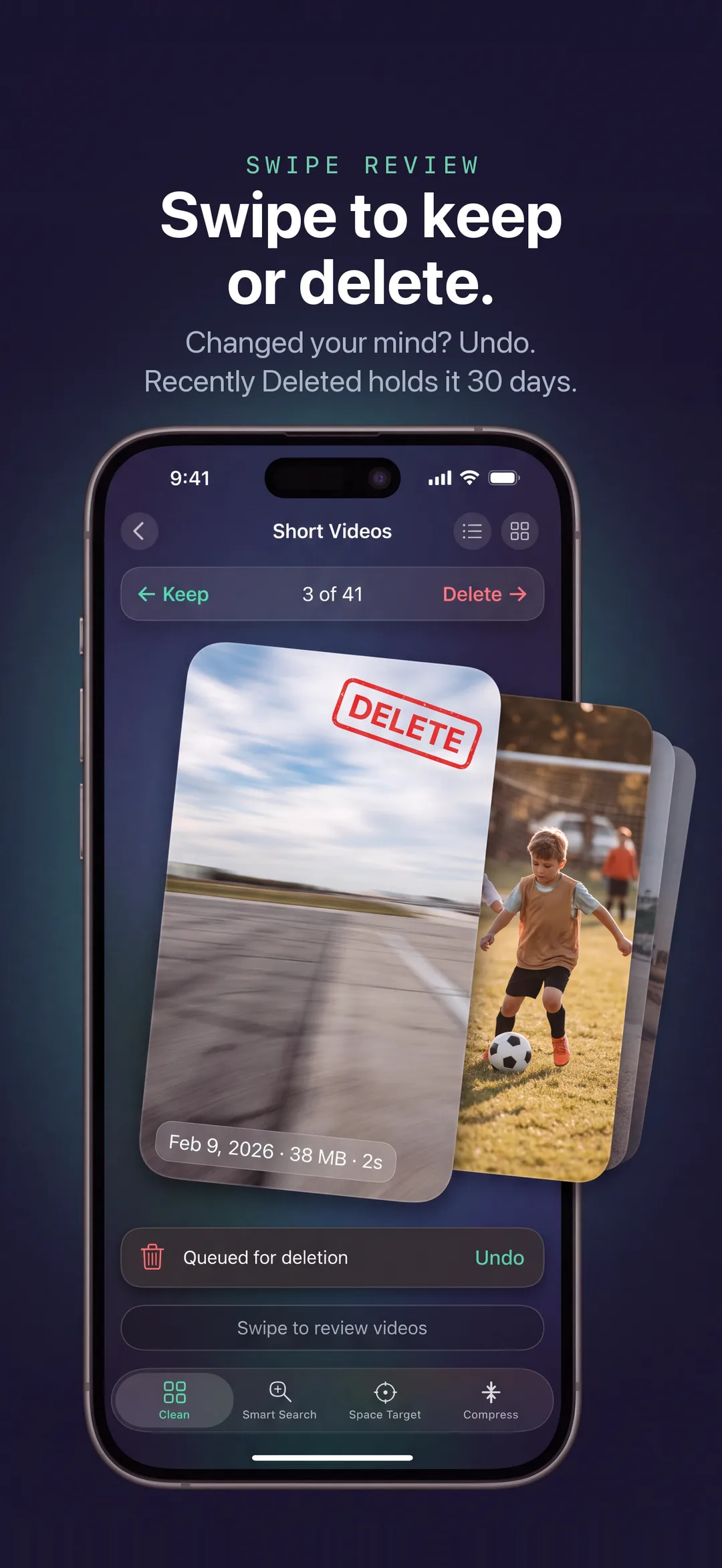
Every category opens a calm review. Watch the clip or look at the photo, see its size, keep the ones that matter and let the rest go. Nothing moves until you confirm.
Everything you remove waits in Recently Deleted for 30 days.
Shown with an example library. Your own numbers appear in the app.
Real screens
What it looks like on the App Store.
These are the app's own screens with example libraries. Your numbers will be your own.
Example: 11.6 GB found. You decide what goes.Duplicates found. One copy kept.Find any photo or video. Just describe it.Set a space goal. Review the safest picks.Compress big videos. Keep the memory.Swipe to keep or remove.
Built to be trusted
What TidyByte will never do.
Some cleaner apps lean on fear. TidyByte is built to be accurate.
Never deletes on its own
Every deletion is one you approved. There is no "auto-clean" button anywhere in the app.
Never uploads your photos
Scanning, duplicate detection and Smart Search all run on your iPhone. Your photos and videos are never sent anywhere.
Never makes it permanent
Everything goes to Recently Deleted for 30 days first. That is Apple's own safety net.
Never invents a number
No fake "junk" totals, no scary red warnings, no made-up "cleaning" animations. Just your file sizes, and a plain word when one is still an estimate.
Never shows ads
Not in the free version, not in Pro. Nothing to track, nothing to sell.
Never claims what it can't do
No app can clear iOS "System Data". TidyByte says so, and works on the part you can control.
Read the full Privacy Policy. TidyByte's App Store privacy label lists only Purchase History and an anonymous User ID used to unlock Pro: not linked to you, no tracking.
Free & Pro
Free to clean. Pro when you want more.
No sign-up. No hidden charges. The free features stay free.
Unlimited video compression, including bulk and fit-to-size
Smart Search: find photos and videos by describing them (iPhone 12 or newer)
Restore any time on a new iPhone with the same Apple ID
$9.99per month
$29.99per year
$49.99once, foreverBest value
US prices; the App Store shows the price for your country. Upgrade inside the app. Cancel a subscription any time in your Apple ID settings.
Questions
Plain answers.
Is it safe? Can it delete something I want to keep?
TidyByte never deletes anything on its own. It shows you what it found, with file sizes, and you approve each deletion. Anything you remove goes to the Photos app's Recently Deleted album for 30 days, so you can bring it back.
Does it upload my photos anywhere?
No. Scanning, duplicate detection and Smart Search all run on your iPhone. There is no account, no sign-up and no ads, and the scan works in Airplane Mode. The internet is used only for Pro purchases (Apple, plus a purchase-management service that receives an anonymous ID and receipt), the optional Smart Search model download from Apple, and a place-name look-up if you search by place.
Where do deleted items go, and when do I get the space back?
Deleted items go to Recently Deleted in the Photos app. The space comes back when that album is emptied, either by you or automatically after 30 days. TidyByte reminds you of this instead of pretending the space is free instantly.
What is free, and what does Pro add?
Free: scan your library, Smart Clean, Space Target, duplicate and screenshot cleanup, and 3 video compressions to try. Pro adds unlimited video compression and on-device Smart Search. Pro is optional: monthly, yearly, or a one-time lifetime purchase. The free features stay free.
Which iPhones does it work on?
Any iPhone running iOS 17 or later. Smart Search (Pro) needs iPhone 12 or newer, because it runs an AI model (about 300 MB) on your iPhone's Neural Engine. On an iPhone XS, XR or 11 the same tab offers Smart Filters instead.
Does compressing a video make it look bad?
TidyByte re-encodes videos in HEVC, typically 40–70% smaller. On a phone screen the difference is usually hard to see. You always see the real before-and-after size, and you can keep both versions or replace the original. The original stays until you decide.
Can it clear "System Data" or "Other"?
No, and no app on iOS can. TidyByte is honest about that. It works on the part you control: photos and videos, which are usually the biggest part of the bar. Read what System Data really is.
How do I get a refund or cancel Pro?
Purchases are handled by Apple. You can cancel a subscription any time in Settings › your name › Subscriptions, and request a refund at reportaproblem.apple.com.
Guides
Storage help, in plain language.
Step-by-step answers to the questions people actually search: the manual way first, and the faster way after.
 TidyByte